

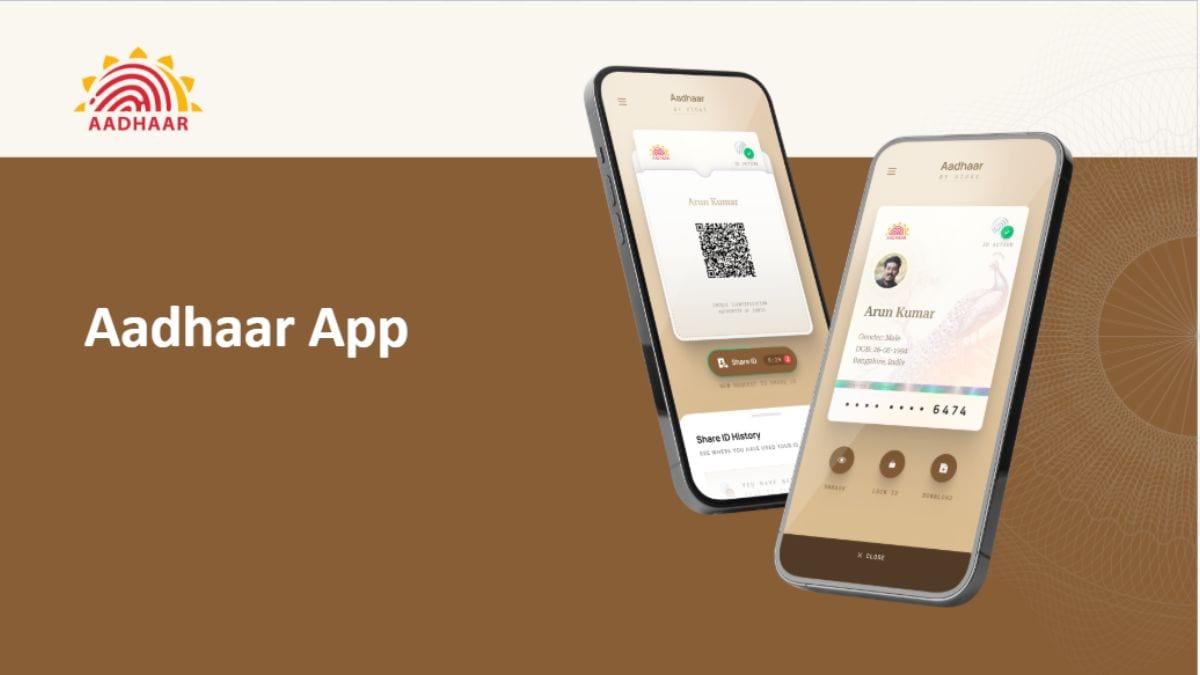
The Unique Identification Authority of India (UIDAI) on Friday announced that the existing mAadhaar app will soon be discontinued. It has encouraged users to migrate to the recently launched Aadhaar app. Available on both the App Store for iPhone and the Google Play Store for Android, it is aimed at helping citizens securely store their Aadhaar information, keep it updated, and share it with others. The new app carries features like QR-based Aadhaar sharing, face authentication, biometric lock controls, and selective information sharing.
UIDAI Confirms mAadhaar App Is Going Away
In an official post on X, UIDAI confirmed that the mAadhaar app is “retiring soon”. The statutory body also highlighted that the new Aadhaar app is designed to offer a “smarter, faster, and more secure digital journey.” The new Aadhaar app supports 13 Indian languages for improved accessibility across regions.



The #mAadhaar App is retiring soon. Now experience a smarter, faster, and more secure digital journey with the new #AadhaarApp. From secure QR-based #Aadhaar sharing to enhanced privacy controls and seamless access to Aadhaar services — the new app is designed to make your… pic.twitter.com/snfeUx4Rgr
— Aadhaar (@UIDAI) May 15, 2026
According to UIDAI, one of the biggest additions in the new Aadhaar app is support for QR-based Aadhaar sharing and offline identity verification. It allows users to verify their identity without revealing their Aadhaar number through a feature called Selective Share. This enables them to choose exactly what information they want to share, including their photograph, name, age, gender, mobile number, address, or Aadhaar status. T
The app also generates a QR code that can be scanned at authorised terminals for identity verification. UIDAI says the app also allows users to update Aadhaar-linked mobile numbers and addresses directly. They can add up to five family members to their account through the Profile section.
There are biometric locking controls, too. It can be used to lock a citizen’s fingerprint, face, and iris authentication data to prevent unauthorised usage. The lock can later be removed through the app if required. However, UIDAI notes that losing access to the linked phone number or smartphone may also lock users out of Aadhaar-related services temporarily.
UIDAI has not clarified whether data stored inside the older mAadhaar app will not automatically transfer to the new Aadhaar app. Existing users will therefore need to manually set up their profiles again after downloading the updated application.
How to Download and Register for the New Aadhaar App
The new Aadhaar app is available to download on the Google Play Store and App Store for Android and iOS, respectively.
- Open the Aadhaar app and select your preferred language
- Register for the app, either using your Aadhaar-linked mobile number or a different mobile number. The latter will require some extra authentication.
- Enter your 12-digit Aadhaar number and complete the SMS verification by entering the OTP
- Once completed, you will be prompted to perform a facial authentication. Ensure that there is sufficient lighting in the background and remove spectacles, if any.
- Now, enter a six-digit password that will be used to access the app
- You will now be redirected to the app’s home page, where you can access your Aadhaar card, share it with others, and add a biometric lock
Source link
#mAadhaar #App #Discontinued #UIDAI #Pushes #Aadhaar #App