

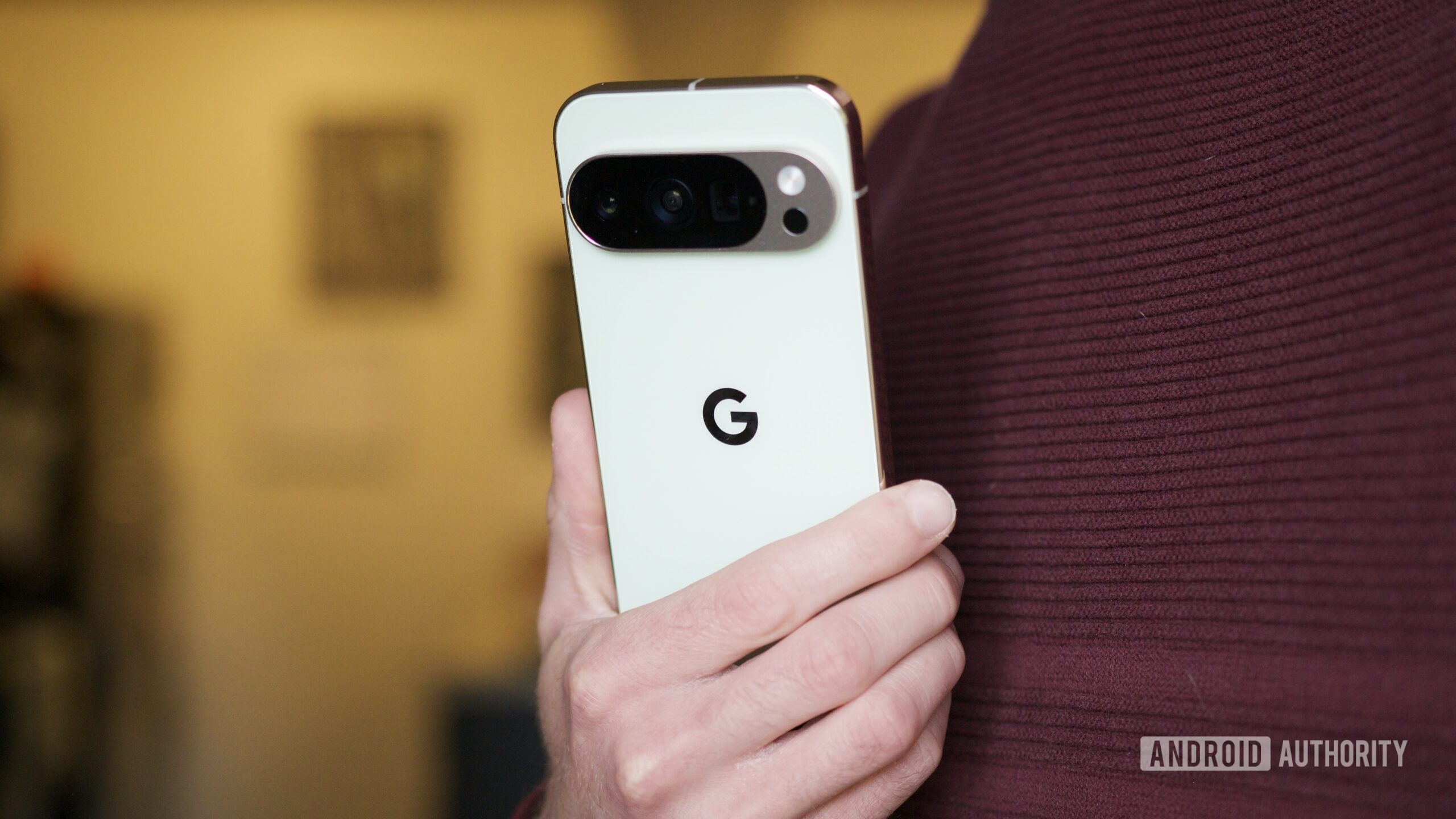

Joe Maring / Android Authority
AI. AI. AI. I’m sure you’re tired of hearing this word over the past couple of years. It is everywhere, slapped onto every feature, every app, every keynote slide, whether it actually makes your phone better or not. And honestly, I’ve felt the same way. Sure, some features are quite useful, but most of the AI features on Android I find to be a gimmick you try once and forget about.


One such gimmick, at least in my opinion, has always been on-device AI. Most AI features on our phones still rely on the cloud (or hybrid architecture), and for the longest time, I’ve believed that smartphones simply can’t match the processing power of AI data centers. Because of that, on-device AI never really felt all that useful, at least not to the extent companies claim it is.
That was the case, however, until I tried one of Google’s lesser-known on-device AI apps, and it actually made me rethink that stance a bit.
Would you actually use AI features that work fully offline on your phone?
107 votes
Google AI Edge Gallery is the hidden gem I didn’t know about

Sanuj Bhatia / Android Authority
Google’s AI Edge Gallery app isn’t exactly new. It actually launched about a year ago as an experimental app, but what recently brought it back into the spotlight for me is that Google has updated it to support Gemma 4, its best and latest open-source AI models. That update is what finally made me give it a proper shot.
The app is available on both Android and iOS. I’ve tested it on my iPhone Air, my Google Pixel 10 Pro, and even the Oppo Find X9 Ultra. There are a few differences across platforms, but the core idea stays the same. You download these open-source AI models directly onto your device and then use them for different tasks.
There are a bunch of predefined use cases in the app, like using a general chatbot, transcribing audio, asking questions about an image, or even trying some agent-style tasks. I’ve always thought that on-device AI models, especially with limited parameters, wouldn’t be that useful in real life. But that opinion changed a bit during a recent trip, where I actually found the tool surprisingly helpful.
Asking questions on the go

Sanuj Bhatia / Android Authority
The best use case, and I know it still isn’t perfect, is having access to an offline, on-device AI chatbot. The Google AI Edge Gallery app gives you access to AI Chat, which is essentially similar to other chatbots like Gemini.
It’s pretty straightforward. You enter a prompt and wait for the model to respond. It’s multimodal, so you can use text, voice, or even images, and it takes all of that into context. It’s definitely slower than something like ChatGPT or Gemini, but the fact that it works entirely on-device without any internet is what makes it stand out.
Using AI on my phone at 32,000 feet with no internet is what finally made on-device AI feel real.
I recently used it on a flight to Thailand, where I asked it basic things like phrases I should know and even asked it about a few movie titles from the in-flight system to get recommendations and approximate IMDb ratings.
It did mention that it can’t access the internet and relies on its training data, but if you frame your questions accordingly, it still gives you useful answers when you’re completely offline.
Offline translation

Sanuj Bhatia / Android Authority
This is probably the best use case for this app. I usually travel with an eSIM when I’m abroad, but there are always places where connectivity just isn’t great, and that’s where this really helped. Thanks to the multimodal capabilities of Gemma 4, you can use the AI Edge Gallery app as a proper offline translator.
The app includes a dedicated audio scribe tool that can transcribe speech and also translate it on the go. On phones that can properly utilize the hardware, the translation is surprisingly quick, almost as fast as dedicated translation apps, and it works reliably even without internet.
Ask image

Sanuj Bhatia / Android Authority
Another feature that builds on this is the ability to ask questions about images using the offline model. You can attach a photo and ask anything about it. I didn’t think I’d use this much, but it turned out to be really helpful while traveling, especially for translating menus or understanding signs in different languages.
Plus, it helps save my precious mobile data as well, since everything happens on-device and you’re not uploading images to a server and waiting for a response.
Don’t want to miss the best from Android Authority?


There are a few things the AI Edge Gallery Android app needs to fix
Overall, I’ve enjoyed using the Google AI Edge Gallery app as an offline AI tool, but it’s not without drawbacks. My biggest gripe is that chats aren’t saved.
For example, with something like Gemini or ChatGPT, each conversation is saved as a thread, so you can come back to it and continue from where you left off. I understand that offline models have limitations when it comes to context length due to hardware constraints, but there should at least be an option to continue a conversation until that limit is reached.
My bigger issue, though, is that Google still isn’t fully utilizing hardware on Android. The AI Edge Gallery app is available on both Android and iOS, and I’ve tested it across multiple devices. On iPhones, the app uses the GPU for processing, which is generally much faster for AI tasks.
On Android, it’s a mixed experience. Phones with top-end chips like the Snapdragon 8 Elite Gen 5 can tap into the GPU and run the app much more efficiently. But on Google’s own Pixel 10 Pro, the app doesn’t seem to fully utilize the Tensor GPU or even the chip’s NPU.
The app mentions that the AICore-based experience, which can tap into the NPU, is currently limited to beta testers. For users like me who aren’t part of that program, it falls back to CPU processing instead of leveraging on-device AI models like Gemini Nano, which makes it noticeably slower.

Robert Triggs / Android Authority
To put that into perspective, on the same audio input, my iPhone Air took under a second to respond, while the Pixel 10 Pro took over 10 seconds for the same task. That kind of gap really affects the overall experience.
I’m sure I’m in the minority here, talking about an on-device AI app that has limited capabilities and, let’s be honest, a pretty niche user base. But considering how much Google has been pushing on-device AI, it’s a bit frustrating to see it not fully utilize its own Tensor hardware in this app. That just feels like a miss, and I really hope Google fixes it sooner rather than later.
That said, being able to access a Gemini model directly on my phone and get answers at 32,000 feet in the air has honestly been an eye-opener. This is probably the first time I’ve actually seen a real, practical use case for on-device AI.
Thank you for being part of our community. Read our Comment Policy before posting.
Source link
#Googles #underrated #app #unlocked #amazing #ondevice #tools #Android #phone