

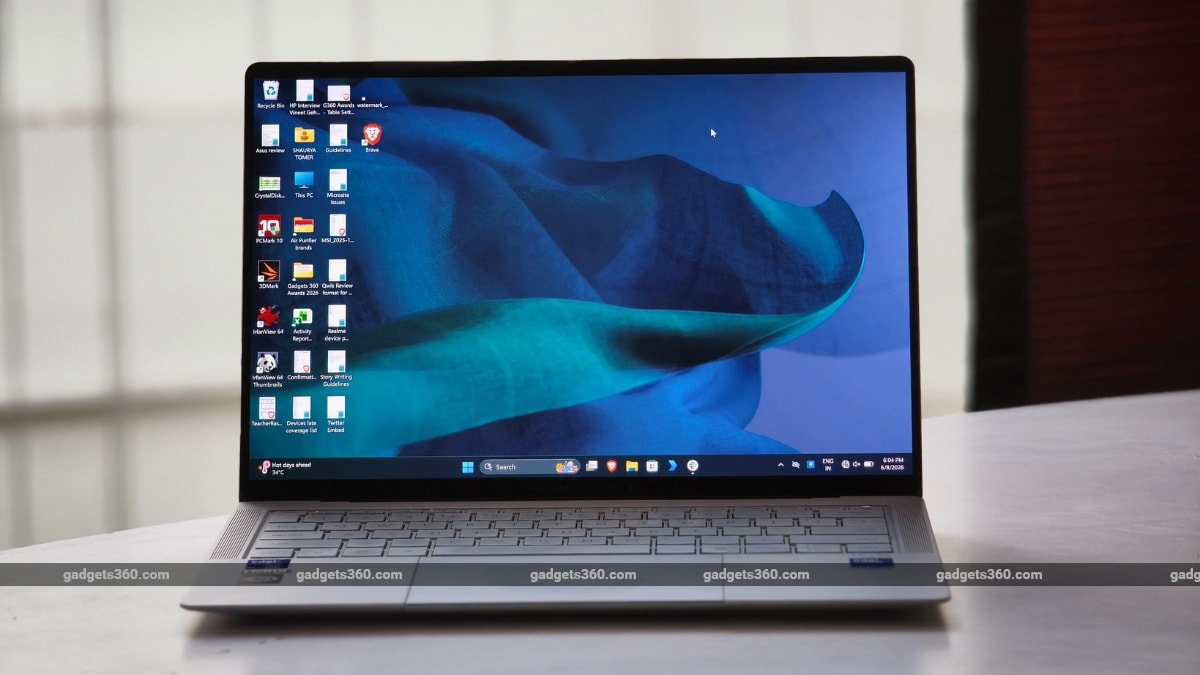
Corporate laptops have followed a strict, albeit unwritten code for decades. We all remember the era when IBM and Lenovo’s iconic ThinkPads ruled the roost with their boxy, matte-black carbon fibre shells and indestructible builds. These machines looked like tools rather than lifestyle statements, perhaps to be taken seriously in a boardroom. Then came Dell’s modern XPS lineup, which successfully argued that business executives deserved sleek aluminium and razor-thin bezels without sacrificing core computing power. Today, the lines between elite enterprise durability and ultra-premium consumer luxury have blurred entirely, with the new Asus ExpertBook Ultra (2026) arriving as perhaps one of the clearest examples of this shift.
The price of the Asus ExpertBook Ultra (2026) in India starts at Rs. 2,39,990, explicitly targeting C-suite executives and mobile professionals who want zero compromises on physical ruggedness or processing efficiency. The question is whether Asus has managed to strike the right balance between business practicality and modern computing demands.



Asus ExpertBook Ultra (2026) Design and Build: Exceptional
- Dimensions – 310.9×212.8×10.9mm
- Weight – 0.99 kg
- Colours – Morn Grey, Jet Fog
- Durability Certification – MIL-STD-810H
When you think of a corporate business laptop, your mind probably goes straight to those blocky, uninspired grey slabs issued by IT departments. This is because they are usually built with the aesthetic appeal of a filing cabinet: purely utilitarian, zero soul. The ExpertBook Ultra (2026), however, breaks that mould. The company has clearly tried to make it feel more premium than traditional enterprise hardware. Measuring a thin 10.9mm in profile, it slips into any standard daily briefcase or travel sleeve effortlessly. At roughly 0.99kg, it is among the lightest 14-inch laptops available today and feels impressively portable considering the hardware packed inside.
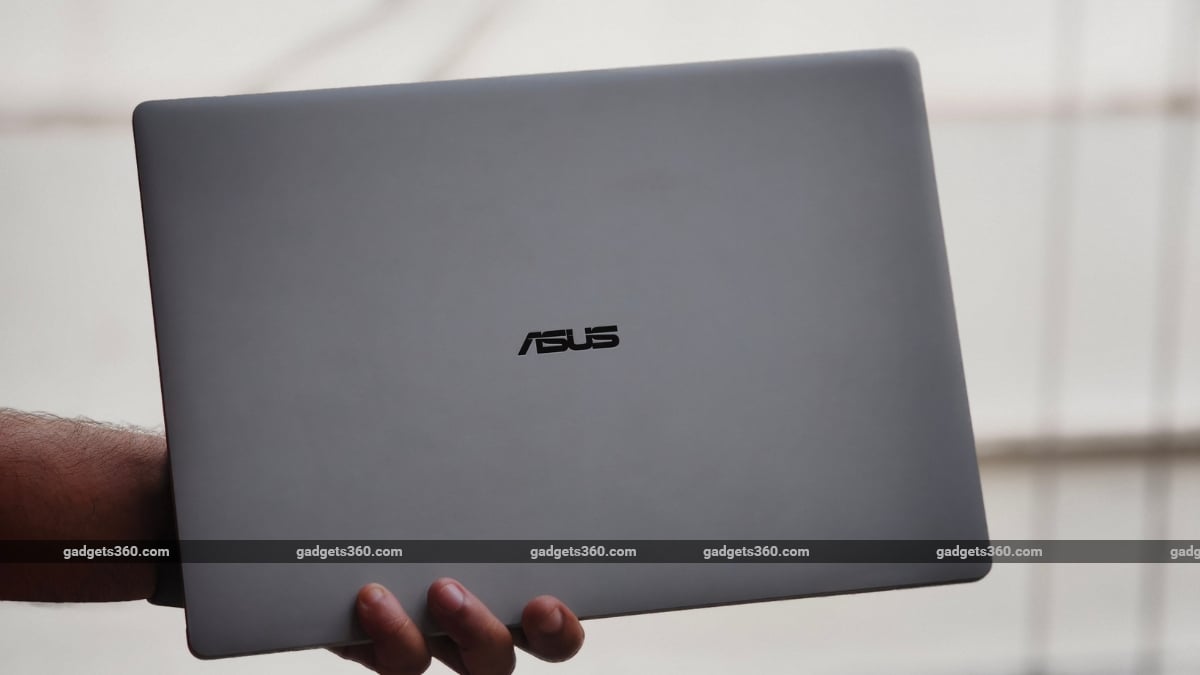
The chassis has been carved out of a magnesium-aluminium technical alloy, with a nano-ceramic coating on top. The result is a grippy, ultra-matte texture. During my time with the laptop, the ExpertBook Ultra (2026) has repelled oily fingerprint smudges and resisted everyday surface scratches.
There is virtually zero flex across the keyboard deck, even when typing with a heavy hand. Pressing down forcefully on the centre of the chassis does not cause the frame to creak or bend. However, the same cannot be completely said for the lid. Because the display housing is so razor-thin, the screen does flex laterally ever-so-slightly when twisted from the corners. However, the hinge holds its position firmly and does not wobble, even during a bumpy metro ride.
Now, we’ve all been there: you’re at an airport trying to crush a deadline, and you suddenly realise that you need an external SSD, a wireless mouse, and the charging cable all plugged in together. The problem with most business laptops is that they involve an immediate game of ‘port Tetris’. The alternative? Pulling out a dongle that dangles off your laptop like a life-support machine.
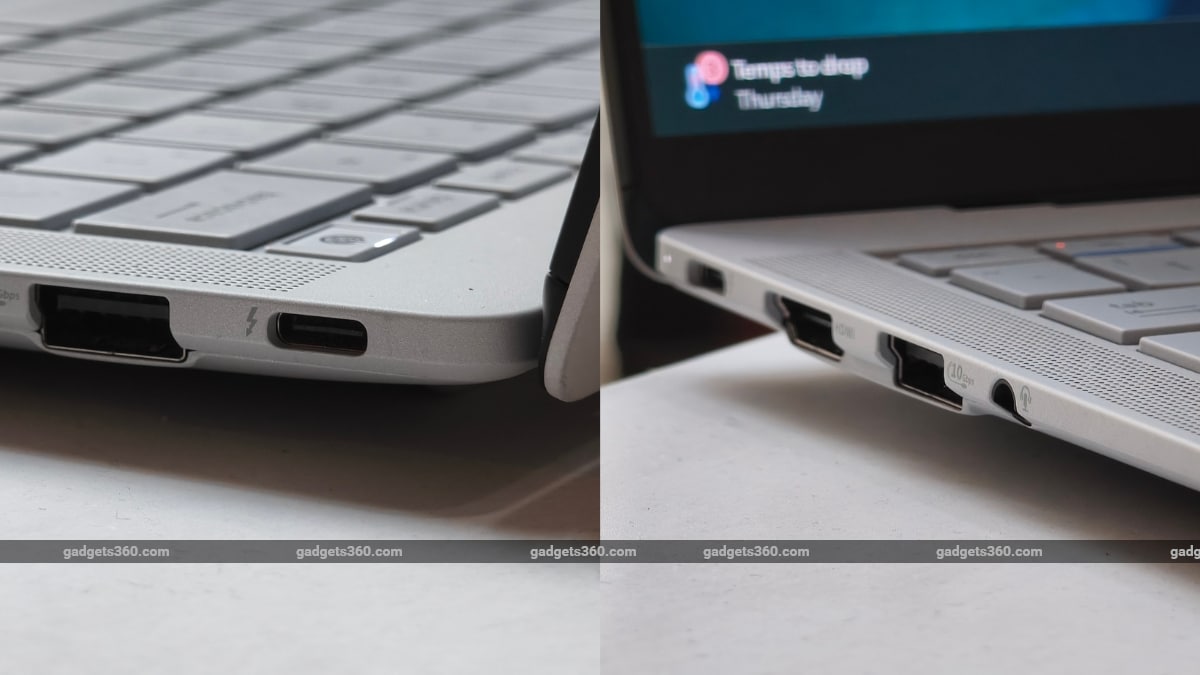
Thankfully, I did not have to play that game with the ExpertBook Ultra (2026) as Asus has provided a healthy selection of ports. What’s most impressive is the presence of two Thunderbolt 4 ports that are smartly separated on opposite sides. This might sound like a minor detail until you realise your charging cable isn’t fighting for physical space with your display output. You get HDMI, USB Type-A, USB Type-C, a microSD card reader, and a 3.5mm headphone jack. This eliminates the need to carry additional dongles for connecting external storage devices or displays.
Asus also thoughtfully packs a handy USB-to-LAN Ethernet adapter in the box for secure office network connections.
Asus ExpertBook Ultra (2026) Display: Matte Meets OLED Brilliance
- Size and Resolution – 14-inch Tandem OLED, WQXGA+ (2880 x 1800 pixels), 16:10
- Refresh Rate – 120Hz Variable Refresh Rate
- Brightness – 600 nits (SDR), up to 1400 nits (HDR Peak)
- Protection – Corning Gorilla Glass Victus with Gorilla Matte coating
A display can look great on a spec sheet and still feel fatiguing in reality. For the ExpertBook Ultra, the display is yet another strong attribute. The laptop sports a 14-inch 3K Tandem OLED screen that delivers an excellent balance between sharpness, colour accuracy, and brightness. Photos and videos look vibrant without any artificial oversaturation, while text is sharp and crisp. The 120Hz refresh rate, meanwhile, offers a fluid scrolling experience across apps, documents, and the web.
Usually, OLED panels are famously beautiful but typically behave like literal mirrors under fluorescent office tubes or bright outdoor daylight. Asus has addressed this by layering the OLED screen with a custom Corning Gorilla Matte anti-reflective coating. In layman’s terms, it is a low-glare treatment that virtually eliminates distracting room reflections, improving legibility.
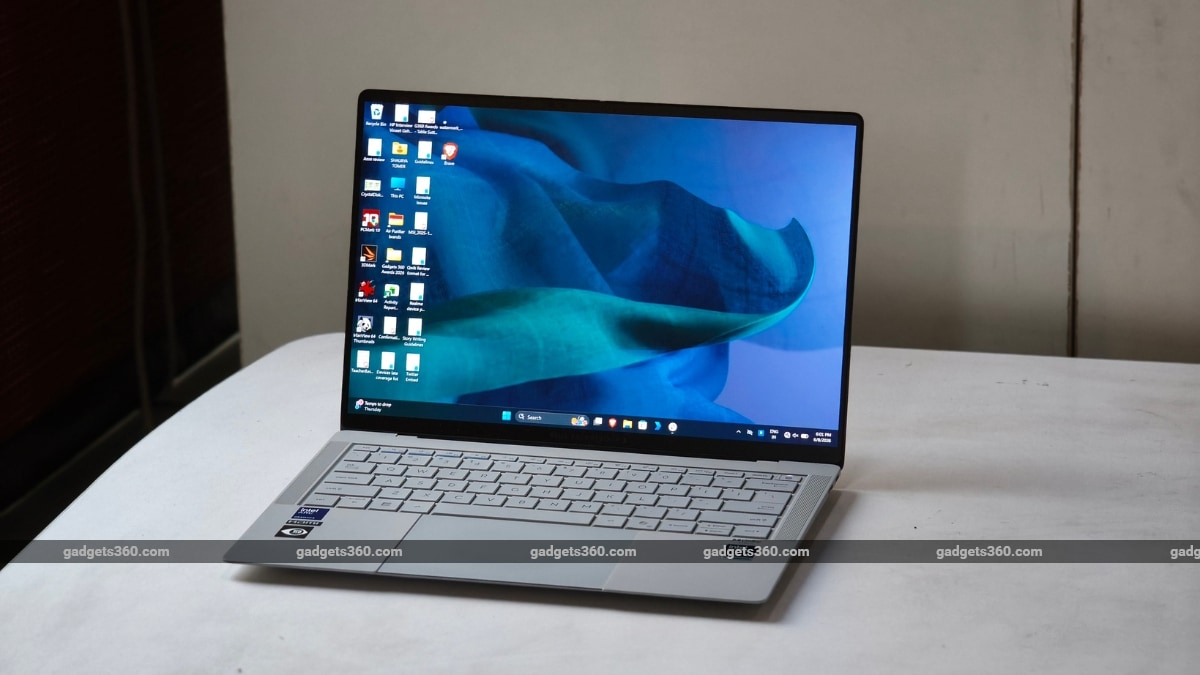
However, there is a trade-off. Deep blacks lean slightly towards dark grey compared to high-gloss glass panels. The difference is subtle and something most users will not likely notice during everyday use. But it is worth mentioning if you’re accustomed to the deep, mirror-like blacks offered by conventional OLED screens.
Because this is a touchscreen display, I found myself reaching out to touch the screen constantly, and it proved useful when quickly navigating documents, zooming into images, and scrolling through webpages.
However, its implementation also left me wanting a little more. Considering the versatility of the hardware, it would’ve been the cherry on top if Asus had equipped the ExpertBook Ultra with a 360-degree hinge. The touchscreen feels like a natural fit for a convertible form factor, but the laptop doesn’t give you an option.
Asus ExpertBook Ultra (2026) Keyboard, Touchpad, Speakers, and Webcam: Another Highlight
The keyboard is one of the most impressive aspects of the Asus ExpertBook Ultra (2026). It offers comfortable key travel (1.5mm) and a familiar layout that makes long typing sessions easy. I comfortably wrote several long articles and reviews, and edited documents without feeling fatigued.
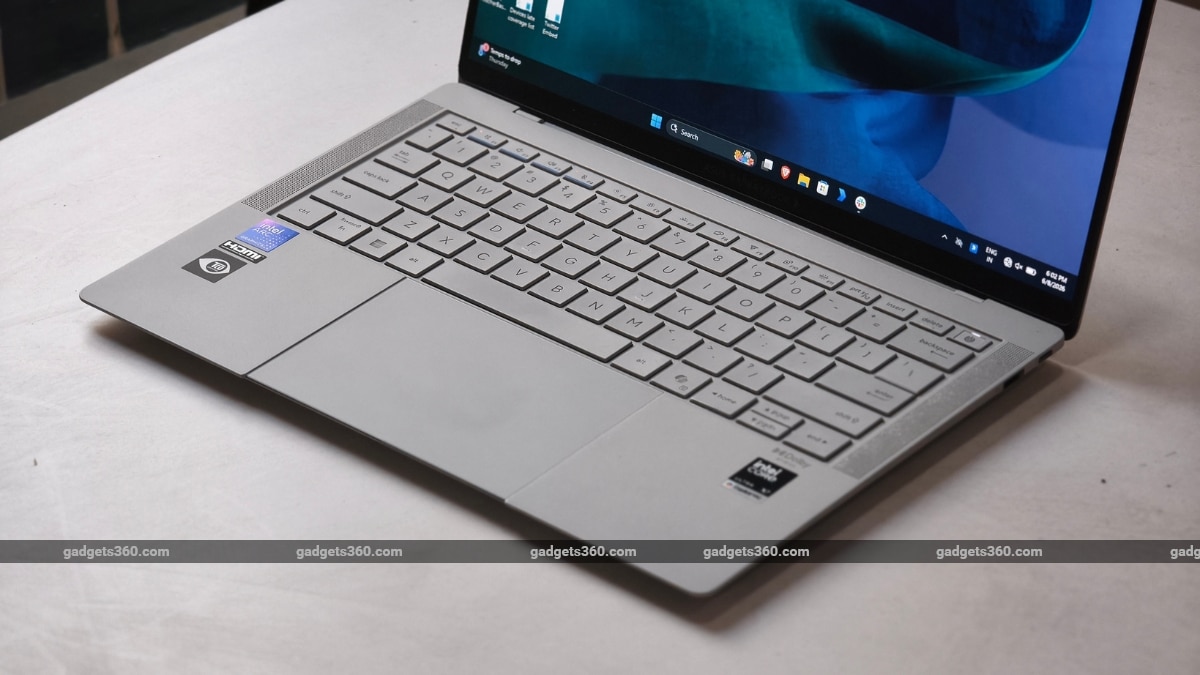
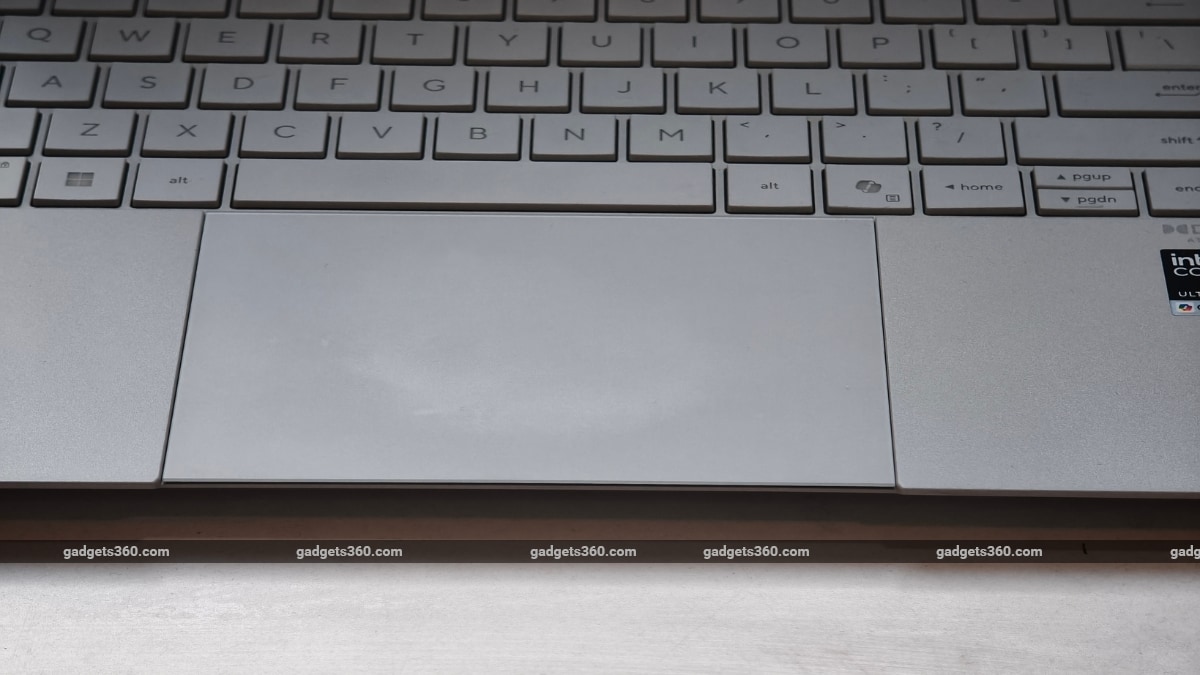
Equally impressive is the large glass-covered trackpad, which is smooth and offers excellent palm rejection and gesture tracking. The glass surface lends it a premium feel that is usually missing from business laptops. The click mechanism, meanwhile, is also tactile and provides great feedback. while the click mechanism remains tactile and consistent across the entire pad.
My only complaint is that the edges of the trackpad feel sharper than I’d like. It is not a dealbreaker, but one of the very few ergonomic details that feels slightly out of place.
Audio performance complements the display well. The setup is reasonably loud and delivers clear vocals when watching movies, YouTube videos, or on video calls, with its placement beside the keyboard contributing to a decent soundstage.
The ExpertBook Ultra is equipped with a 1080p webcam, and it does its job. It delivers decent footage for video calls and virtual meetings in good lighting. However, image quality takes a noticeable hit in low-light conditions, where finer details begin to soften, and visible noise starts to creep into the frame.
Asus ExpertBook Ultra (2026) Performance: Silent Muscle
- Processor – Intel Core Ultra X7 358H
- Graphics – Intel Arc Graphics
- Memory and Storage – Up to 64GB LPDDR5X RAM, Up to 2TB PCIe Gen 5 NVMe SSD
Intel’s Panther Lake architecture is the centrepiece of this machine. Our review unit is powered by the Intel Core Ultra X7 Ultra X7 358H processor with 64GB of LPDDR5X RAM, 2TB of onboard SSD storage, and Intel Arc graphics.
Day-to-day performance on the ExpertBook Ultra (2026) is excellent. Opening dozens of browser tabs, juggling productivity apps, editing large RAW photos, and handling light video editing workloads posed no challenge. I usually spend most of my day researching stories, attending briefings, editing images, and writing articles. On average, I opened 10-15 Chrome tabs across multiple windows. Now, everybody knows Chrome is enough to fill up your RAM faster than a Formula 1 pit crew changes a tyre.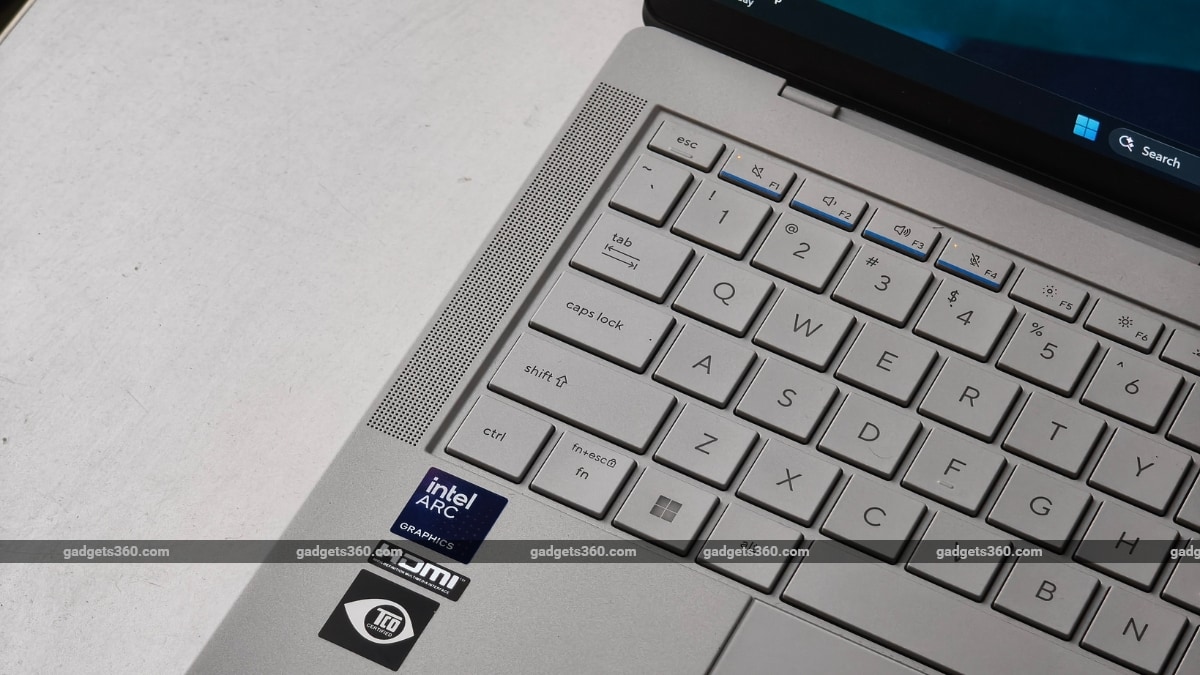
To further push its limits, I also opened Slack and WhatsApp, with YouTube Music simultaneously running in the background. However, the laptop matched each window and app stride-by-stride with no signs of slowdown.
| Benchmark | Asus ExpertBook Ultra (2026) |
|---|---|
| Cinebench R23 (Single-core) | 2124 |
| Cinebench R23 (Multi-core) | 18995 |
| Geekbench 6 Single Core | 1919 |
| Geekbench 6 Multi Core | 10672 |
| Geekbench AI (Quantized) | FTR |
| PC Mark 10 | 6323 |
| 3DMark Night Raid | 30718 |
| 3DMark CPU Profile | 6123 |
| 3DMark Steel Nomad Light | 27042 |
| 3DMark Steel Nomad | 4389 |
| 3DMark Port Royal | 4098 |
| CrystalDiskMark | 11045.17 MB/s (Read) / 6857.23 MB/s (Write) |
What separates the ExpertBook Ultra from many business laptops is its AI focus. The dedicated NPU enables local AI workloads without relying entirely on cloud services. During testing, AI-assisted features such as transcription, summarisation, image enhancement, and background noise reduction worked quickly and reliably.
Thermals are particularly impressive. Even under sustained workloads, the laptop remained surprisingly quiet. Asus’ redesigned cooling system appears to be doing its job effectively, preventing the excessive fan noise commonly associated with high-performance thin-and-light laptops, such as my colleague’s Lenovo ThinkBook. The key zones under your hands stay comfortably cool to the touch.
Asus ExpertBook Ultra (2026) Battery Life: Built for Long Flights
- Battery Capacity – 70Wh
- Wired Charging – 90W
Exceptional battery life has been one of the strongest arguments in favour of Apple’s MacBook lineup for years. While Windows laptops have made significant strides in recent years, many still struggle to consistently deliver all-day endurance. But that isn’t the case with the Asus ExpertBook Ultra (2026).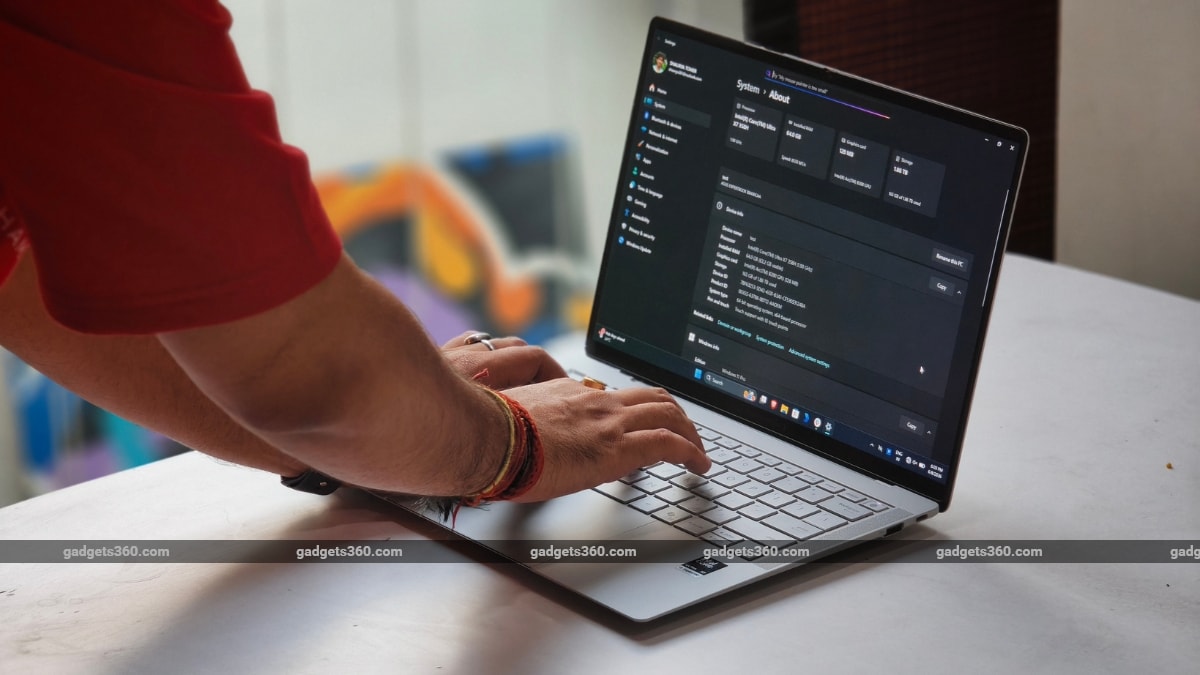
Powered by the architectural efficiency of Intel’s Panther Lake platform, the 70Wh battery easily clocked 12–13 hours of continuous real-world usage. It sailed through my gruelling office workdays, enough to let me wrap up a couple of episodes of Netflix’s The Boroughs before demanding a charge. That makes it one of the best-performing Windows laptops I’ve tested in recent years.
And even when you do run low on power, the bundled 90W USB Type-C charger juices up the system back up in a little over an hour.
Asus ExpertBook Ultra (2026) Verdict
Now, would you want a premium, sleek business laptop over a chunky, utilitarian machine? If you said yes, then you’re precisely who Asus built the ExpertBook Ultra for. It is a refreshing reminder that business laptops are no longer simply utilitarian tools geared solely towards spreadsheets and presentations. You get raw Panther Lake power, all-day battery endurance, and a stunning 14-inch OLED display wrapped in a chassis that actually feels premium. It has the potential to be a promising companion to professionals who spend long hours working on the move.
With a starting price of Rs. 2,39,990, the laptop certainly isn’t cheap. However, if you’re looking for a premium Windows experience that delivers on productivity without sacrificing refinement, then the Asus ExpertBook Ultra (2026) becomes an easy recommendation.
Source link
#Asus #ExpertBook #Ultra #Review